
LCCF Vis Education Minigames
The UT LCCF Vis Education team was looking to design minigames to engage middle school and high school students and teach them about super computers. I joined the project mid-way and was given some concept images of what they thought they wanted for the games. My role was to help design and develop the game; looking at what they had made and making suggestions if I thought they were needed. A designer had made a mood board showing what they wanted the general layout to be, but the specifics on how the game would work were left to me. The theme of the game was a restaurant with four stations. I was in charge of making the ordering, sorting, and assembly game. I did one game at a time, making a 2D prototype first, then making a 3D version.
Roles
- Mechanics Designer
- 2D/3D Game Developer
Design Challenge
Dual immersive view in 3D
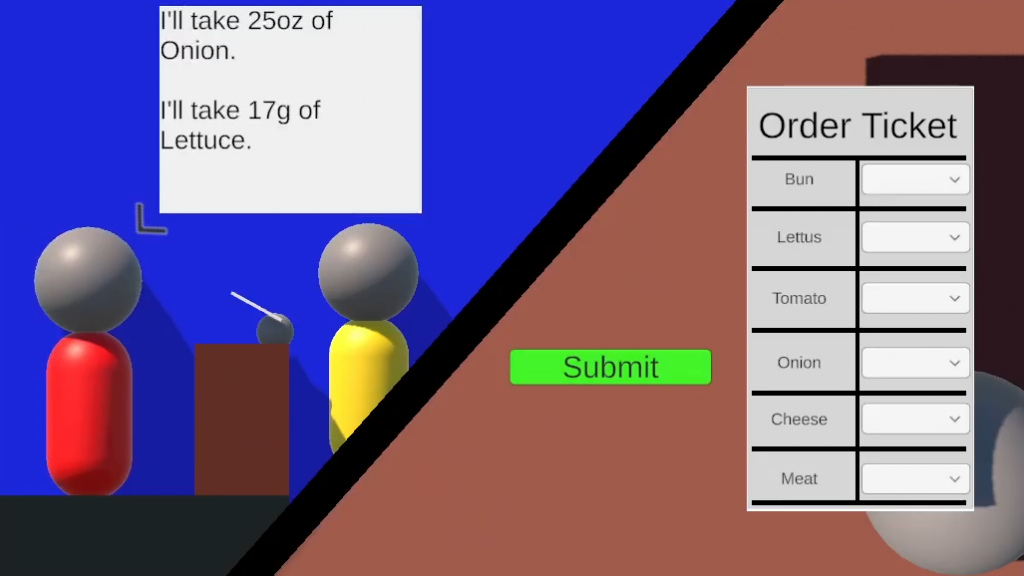
The order minigame was a simple game of matching. Players would listen to a customer order and pick out the correct amount of each ingredient from a list of numbers. Initially, the 2D prototype had the player’s perspective as a first-person view. Customers would walk in from the left or right side of the screen and order one at a time. As I converted the game to 3D, I decided to take advantage of the extra dimension and take the visual idea further. I made two separate areas, one showing the cashier worker and the customer, and another view of the order ticket in the cashier’s hand. I used two cameras to pipe into the display so the player viewed a split screen. One side showed the customer walking up to order and the other side made it seem like you were writing on the paper in your hand. The gameplay stayed the same, but the scene felt more lively and interactive.
Design Challenge
Fixed models did not accommodate the game play goal
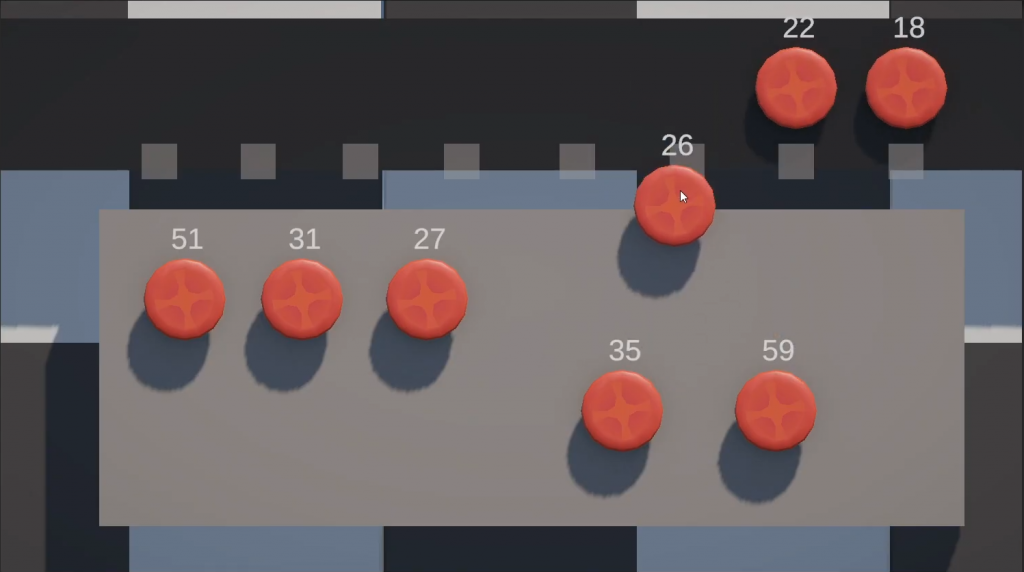
For the sorting game, the mood board had defined the game play to be about sorting hamburger buns from greatest to least based on the amount of sesame seeds on top of them. Due to us using a kit with premade 3D models, there was no way for us to edit the models to show different amounts of sesame seeds – so each bun would have the same number of seeds. Since this would be confusing for the player, I decided to change a few aspects of this concept to make things a little less confusing and more engaging. Instead of just using the hamburger buns, I used all of the ingredient models we had, and associated the numbers the player was to sort with the weight of the ingredients. This way the players would not be confused by the models and it made the game less repetitive. I also added a way for the players to see their results by signaling if the bun that was placed on the conveyor was in the right position using a red or green light.
Design Challenge
Converting 2D assets to 3D assets
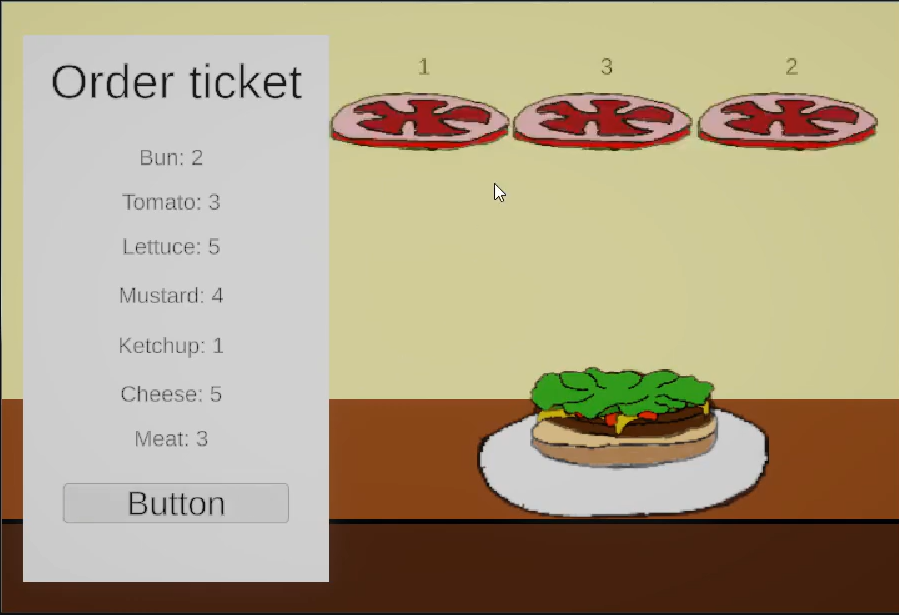
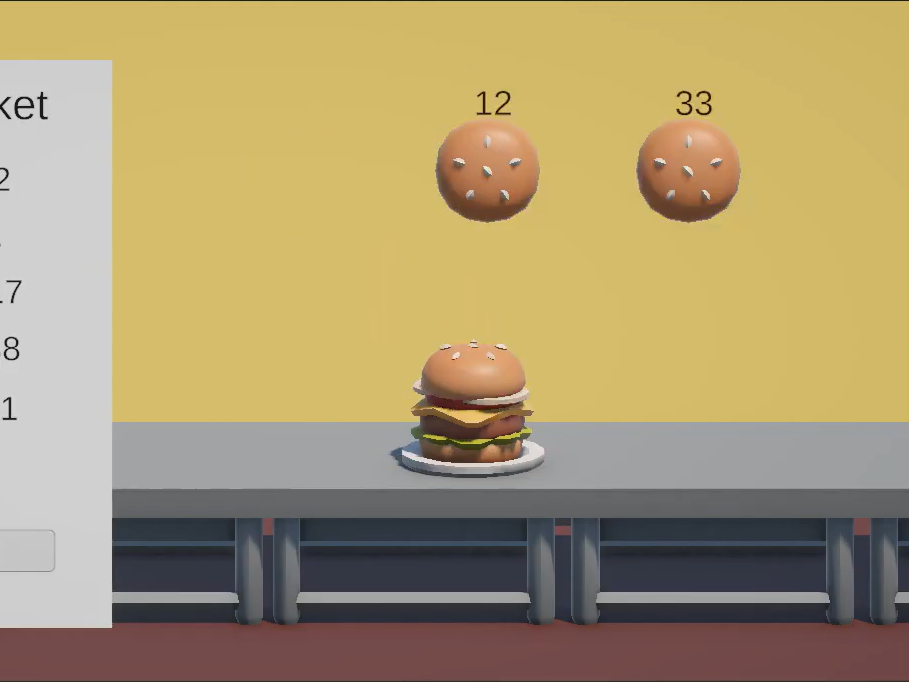
Going from the 2D prototype to the 3D version was not that different, but the main things that changed were how the ingredients moved to the stack and how the answer was shown to be wrong. Originally. you would just drag and drop the ingredients onto the burger in the 2D version and it would look correct. But for the 3D version, the side profile of the ingredients made them hard to see. So I had all the ingredients rotated to be completely vertical and once they were dragged to the plate, they would rotate into place as the player let go. I also added a way for players to change the ingredient they placed onto the burger. They could simply drag one of the other ingredients from the selection and the new ingredient would move into place while the one that was on the stack would move back to its original position. This was done since some users would be rather young, so instead of making an irreversible choice, I decided that giving the option to change answers would relieve potential frustration.